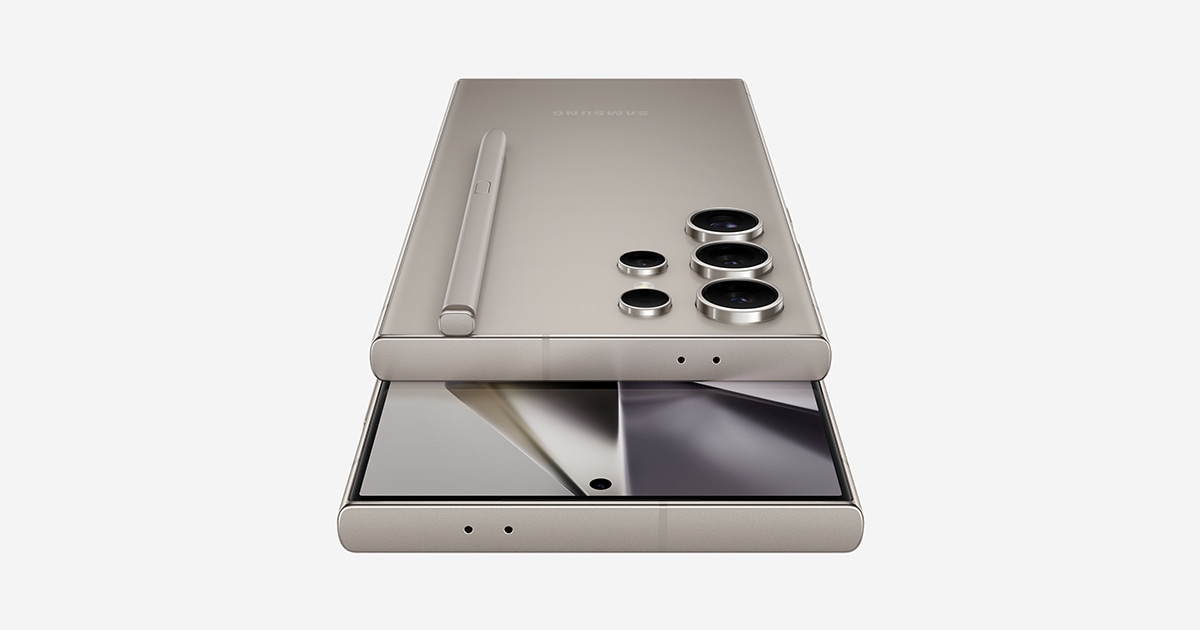
Unfite has the latest on Samsung’s update rollout: Samsung has started pushing a second October 2026 update to the Galaxy S24 series, the Galaxy Z Fold 6 and the Galaxy Z Flip 6. The rollout began in South Korea on 9 November 2026, and it follows the same pattern Samsung used for the Galaxy S25 and Galaxy S26 lineups earlier this month. If you own one of these phones, the update is worth knowing about — but do not expect the November security patch inside it, because this release does not carry it.
This is the second October-dated update for these phones in a short span. The first one arrived at the end of October with the actual October security patch. This new one is a follow-up build that focuses on stability. Here is everything that is confirmed so far, what the update changes, and when it should reach phones outside South Korea.
Galaxy S24 second October update at a glance
| Detail | What is confirmed |
|---|---|
| Phones covered | Galaxy S24, Galaxy S24+, Galaxy S24 Ultra, Galaxy Z Fold 6, Galaxy Z Flip 6 |
| Rollout started | 9 November 2026 |
| First region | South Korea |
| S24 series build | S92xNKSUIEZJB (PDA ending EZJB) |
| Fold 6 and Flip 6 build | PDA ending EZJF |
| Update size | About 487MB to 588MB, depending on the model |
| Security patch level | October 2026 (unchanged) |
| November 2026 patch | Not included |
| Changelog | “Stabilization code applied to terminal operation” |
| New features | None reported |
What the update actually changes
The changelog for this release is short. Samsung says the update applies “stabilization code” to the operation of the phone. In plain words, it is an under-the-hood pass that is meant to improve how smoothly and reliably the phone runs. Samsung has not listed any new feature, any change to the interface, or any fix for a specific bug in the public changelog.
That is normal for this kind of release. Samsung often ships a second build in the same month after the main security update, mainly to polish the software that the first build introduced. The Galaxy S25 series received the same treatment earlier in November, and the Galaxy S26 series went through it too. The S24 series, Fold 6 and Flip 6 are now getting their turn with the Galaxy S24 second October update.
One thing is clear from every report so far: this update does not add anything you will see on the screen. There is no new Galaxy AI tool, no camera change and no design tweak mentioned anywhere. If your phone feels a little smoother after installing it, that is the intended result. If nothing looks different, that is also expected.
The November patch question, answered plainly
Because this update is landing in November, many owners will assume it brings the November 2026 security patch. It does not. Samsung detailed the November patch on 3 November, and it is a large one — more than 200 fixes, including 178 Android vulnerabilities (20 of them rated critical), 24 Samsung-specific fixes and 4 semiconductor fixes. But this S24 update keeps the phone on the October 2026 patch level.
That distinction matters, and Samsung’s own rollout order explains it. The November patch started reaching phones on 9 November too, but only the newest models so far: the Galaxy S26 series, the Galaxy S26 FE and the Galaxy Z Fold 8, Fold 8 Ultra and Flip 8, all in South Korea first. The S24 series, Fold 6 and Flip 6 have not received the November patch yet, and the live firmware tracker still shows no November build recorded for any S24 model as of 9 November.
So the sequence is simple. The S24 family gets this second October build now, and the November patch should follow in the coming weeks — the same way the S25 and S26 lineups received their second October builds first and are now in line for the November patch. Unfite will cover the November patch for the S24 series when Samsung actually starts it, and not before.
What came before: the first October update
To understand this release, it helps to remember the one before it. On 30 October 2026, Samsung rolled out the first October 2026 update to the Galaxy S24 series, carrying firmware version S92xBXXSIEZJ1 and a download of about 312MB. India was among the first countries to get it. That update delivered the October 2026 security patch, which fixed 62 vulnerabilities — 45 from Google and 17 from Samsung.
This new EZJB build sits on top of that. It does not add more security fixes, because the patch level has not moved. It is best thought of as a stability top-up: Samsung finishing the October cycle for these phones while the November patch is prepared for them.
Who gets it, and when
Right now, the update is live in South Korea only. Samsung almost always starts its rollouts at home and then expands to other regions over the following days. The same pattern applied to the S25 series second October update, which reached Korea on 2 November and then India and the United States on 5 and 6 November. For the S24 family, owners in India and other markets should expect the update to appear over the coming days, and it may take a few weeks at most to reach every region.
There is no separate India date announced, and no carrier-specific schedule published. The update is free, as all Samsung software updates are, and it arrives over the air. You do not need to visit a service centre or pay anything for it.
How to check for the update on your phone
If you own a Galaxy S24, S24+, S24 Ultra, Z Fold 6 or Z Flip 6, you can check manually instead of waiting for the notification:
- Open Settings on your phone.
- Tap Software update.
- Tap Download and install.
- If the update is available, follow the on-screen steps to download and install it.
Before installing, it is sensible to connect to Wi-Fi and make sure the battery is charged, because the download is close to 500MB or more. The phone will restart once during installation. After it restarts, you can confirm the new build by going to Settings, then About phone, then Software information, where the build number should end with EZJB on the S24 series or EZJF on the Fold 6 and Flip 6.
A quick look back at the Galaxy S24 series
The Galaxy S24 series launched in January 2024 as Samsung’s first Galaxy AI flagship family, and it remains one of the most widely used Galaxy lineups in India. The S24 Ultra leads it with a 6.8-inch flat Dynamic AMOLED 2X display, a titanium frame, the Snapdragon 8 Gen 3 for Galaxy chip, a 200MP main camera with a 50MP 5x telephoto, a built-in S Pen and a 5,000mAh battery.
The standard S24 has a 6.2-inch display and a 4,000mAh battery, while the S24+ sits in the middle with a 6.7-inch display and a 4,900mAh battery. All three launched in India at Rs 79,999 (S24), Rs 99,999 (S24+) and Rs 1,29,999 (S24 Ultra) for their base storage variants, and all three now run One UI 9 based on Android 17.
The Galaxy Z Fold 6 and Z Flip 6 launched in July 2024 with the same Snapdragon 8 Gen 3 chip and also run One UI 9 today. Samsung promised seven years of operating system and security updates for the S24 series, so these phones will keep receiving monthly patches and major Android upgrades for years yet — which is exactly why a routine-looking update like this one still matters to their owners.
What is good and what is missing
What is good about this update is that Samsung is still actively maintaining a phone family that is nearly three years old, and that it is doing so quickly — the Galaxy S24 second October update arrived within days of the November patch starting on the newest models. The stability focus is also welcome: small under-the-hood fixes are the kind of maintenance that keeps a daily phone feeling reliable.
What is missing is the November patch itself. Owners who were hoping this November-dated release would bring the 200-plus November fixes will have to wait a little longer. There is also no detail in the changelog about which stability issues the update addresses, so users cannot tell in advance whether it fixes a problem they have noticed. That vagueness is typical of Samsung’s stabilization updates, but it is still worth stating plainly.
The bottom line
The Galaxy S24 second October update is a modest but real rollout: a stability build for the S24 series, Fold 6 and Flip 6 that started in South Korea on 9 November, with builds ending EZJB and EZJF and a download of roughly 487MB to 588MB. It does not bring the November security patch, and it does not add new features. What it does is finish Samsung’s October maintenance for these phones while the November patch waits its turn. If you own one of these models, check for the update in Settings, install it over Wi-Fi, and keep an eye out for the November patch in the coming weeks. Unfite will report it the day Samsung starts it for the S24 family.
Frequently asked questions
What is the Galaxy S24 second October update?
It is a follow-up software update for the Galaxy S24 series, Galaxy Z Fold 6 and Galaxy Z Flip 6 that Samsung started rolling out on 9 November 2026 in South Korea. It carries build numbers ending EZJB for the S24 series and EZJF for the foldables, and its changelog mentions only stabilization code.
Does the Galaxy S24 second October update include the November 2026 security patch?
No. The update keeps the phones on the October 2026 security patch level. Samsung has detailed the November patch, which fixes more than 200 vulnerabilities, but it has only started reaching the Galaxy S26 series and the Galaxy Z Fold 8 and Flip 8 so far. The S24 family should receive it in the coming weeks.
How big is the Galaxy S24 second October update?
The Galaxy S24 second October update download is about 487MB for the Galaxy S24 in South Korea according to SamMobile, and around 588MB for some models according to other reports. The exact size varies by model and carrier, so expect something in the 487MB to 588MB range.
When will the Galaxy S24 second October update reach India?
Samsung has not announced an India date. The rollout started in South Korea on 9 November, and Samsung usually expands to other regions, including India, over the following days. The S25 series followed the same pattern earlier in November, reaching India within three to four days of its Korea release.
How do I install the Galaxy S24 second October update?
Go to Settings, then Software update, then Download and install. If the update is available for your phone, download it over Wi-Fi and let the phone restart to finish installing. You can confirm the new build under Settings, About phone, Software information.