Good news for Pixel Watch owners: Google has confirmed that a pixel watch battery drain fix is rolling out, and you do not need to wait for a big system update to get it. Unfite has checked the latest reports, so this guide explains what happened, what Google has confirmed, and the simple steps that will bring the fix to your watch.
If your watch has suddenly started losing charge much faster than usual, you are not alone. Over the past few days, many owners have noticed the same problem. The good news is that Google has now spoken about it, and a fix is already on its way to watches around the world.
What happened to Pixel Watch battery life
Reports of a sudden battery problem began to appear over the past few days, and by late last week they were hard to miss. Owners said their watches were running out of power far sooner than before. A watch that used to last a day or two could suddenly last only about 12 to 16 hours.
What made the problem so confusing was that it did not seem to depend on heavy use. Some owners said their watches were mostly idle, sitting on a desk or worn quietly during the day, yet the battery still fell fast. That pattern pointed to something running in the background, rather than to a screen, workout, or app that the owner had opened on purpose.
Because the drop was so sharp and so sudden, owners began comparing notes online. The same story kept coming up: a watch that had been fine for weeks suddenly needed charging in the middle of the day. For a device that is meant to track sleep, steps, and health through the day and night, that kind of change is more than a small annoyance.
Pixel Watch Battery Drain Fix: What Google Confirmed
On 3 November 2026, Google confirmed to Android Authority and 9to5Google that a fix for the severe Pixel Watch battery drain is rolling out. That confirmation is important, because it turns a set of owner reports into an acknowledged problem with a planned solution.
Google also described the affected group as a small number of users. That wording matters. It suggests that not every Pixel Watch owner will see the problem, even though the reports that did appear were serious. At the same time, the reports covered a wide range of models, from Pixel Watch 2 through Pixel Watch 5, so owners of several generations should check for the fix.
Google acknowledged the drain late last week and promised a fix. Now, on 3 November, that fix is being released. The timing is welcome, because many owners had been waiting for a clear answer about whether the problem was their watch, their settings, or something wider.
How to install the fix on your watch
The most important point is also the easiest to miss: this is not a Wear OS system update. The fix arrives as app updates through the Play Store on the watch itself. That is why Google gave a short, direct set of instructions, and why following them matters.
- Press the crown on your Pixel Watch.
- Open the Play Store on your watch.
- Tap Manage apps.
- Tap Update all.
That is the whole process. You do not need to change a setting, restart the watch many times, or search for a hidden menu. Just open the Play Store on the watch, check Manage apps, and update everything that is offered. If an update is available, installing it should bring the fix to your watch.
It is worth doing this even if your battery seems normal today. App updates often include small fixes that prevent a problem from starting, and keeping apps up to date is good practice for any smartwatch. The fix is free, and it comes through the normal app update route, so there is no price to pay and no extra purchase involved.
What the fix is NOT: not a Wear OS system update
Many owners will naturally look in Settings, then System, then System updates, when they hear that a fix is rolling out. For this problem, that is the wrong route. Google has made it clear that this pixel watch battery drain fix is not a Wear OS system update, and the system update screen will not deliver it.
This distinction is worth repeating, because it can save a lot of wasted time. If you check for a system update and find nothing, that does not mean the fix has not reached you. It may simply mean you are looking in the wrong place. The correct place is the Play Store on the watch, under Manage apps, where app updates are listed.
That also explains why two watches can show different results. One owner may see app updates right away, while another sees none yet. That difference is normal during a phased rollout, and it is not a sign that a watch is broken or left out.
For readers who want background on a separate Wear OS change, see our earlier post on the Wear OS 7.1 system status bar update. That post covers a different topic, and it is not the battery drain fix described here.
Which watches are affected
Owner reports span Pixel Watch 2 through Pixel Watch 5. That range is useful to know, because it shows the problem is not limited to one new model or one old model. If you own any of those watches and your battery life has dropped sharply in recent days, the new fix is the one to look for.
The typical change reported was large. Instead of a usual day or two of use, some watches were lasting roughly 12 to 16 hours. In some cases, that meant charging during the day, or finding the watch dead before bedtime. For owners who rely on sleep tracking, that loss of overnight battery is especially frustrating.
Google has said only a small number of users are affected. That may be true across all Pixel Watch owners, but for the people who did see the problem, the effect was severe. The fix is therefore good news even for owners who have not noticed a change yet, because it should stop the drain before it becomes a daily problem.
What is still unknown
Google has not named the faulty app, and it has not named the fixing version. It has also not explained the exact cause of the drain. Those details are still unknown, and this article will not guess them.
That honesty matters. When a battery problem appears suddenly, it is easy to blame a single app, a recent update, or a setting. Without a clear statement from Google, any such claim would be a guess. The safe and accurate position is simple: Google has confirmed a problem, Google has confirmed a fix, and Google has not yet shared the app name, the version number, or the exact cause.
Owners should also be careful about advice that tells them to delete apps at random or change many settings at once. Those steps can cause new problems, and they are not part of Google’s instruction. The instruction from Google is short and clear: update your apps through the Play Store on the watch.
What to do if the update has not arrived yet
The rollout is phased, and Google says it will complete over the next couple of days. If you open Manage apps and see no update yet, that is expected. It does not mean you have done something wrong, and it does not mean your watch will never get the fix.
The best step is to check again later. Try again in a few hours, and then again the next day, until the updates appear. Keep the watch charged and connected while you check, so an update can download without interruption. A short wait is far better than trying a system update route that will not deliver this fix.
While you wait, a few simple habits can help. Charge the watch when you can, avoid leaving it at a very low battery for a long time, and note whether the battery improves after the app updates arrive. If the drain continues after all apps are updated and a couple of days have passed, it is worth checking again for new updates, because a phased rollout can take time to reach every watch.
At Unfite, we will keep this story simple: a confirmed problem, a confirmed fix, and a clear set of steps. Unfite readers do not need technical terms to follow this one. Press the crown, open the Play Store, tap Manage apps, and tap Update all. That is the route Google has given, and it is the route to follow first.
For official background on Pixel Watch, you can also visit the official Google Pixel Watch page on the Google Blog. That page describes the latest Pixel Watch, and it is a useful official reference for the product family covered by this fix.
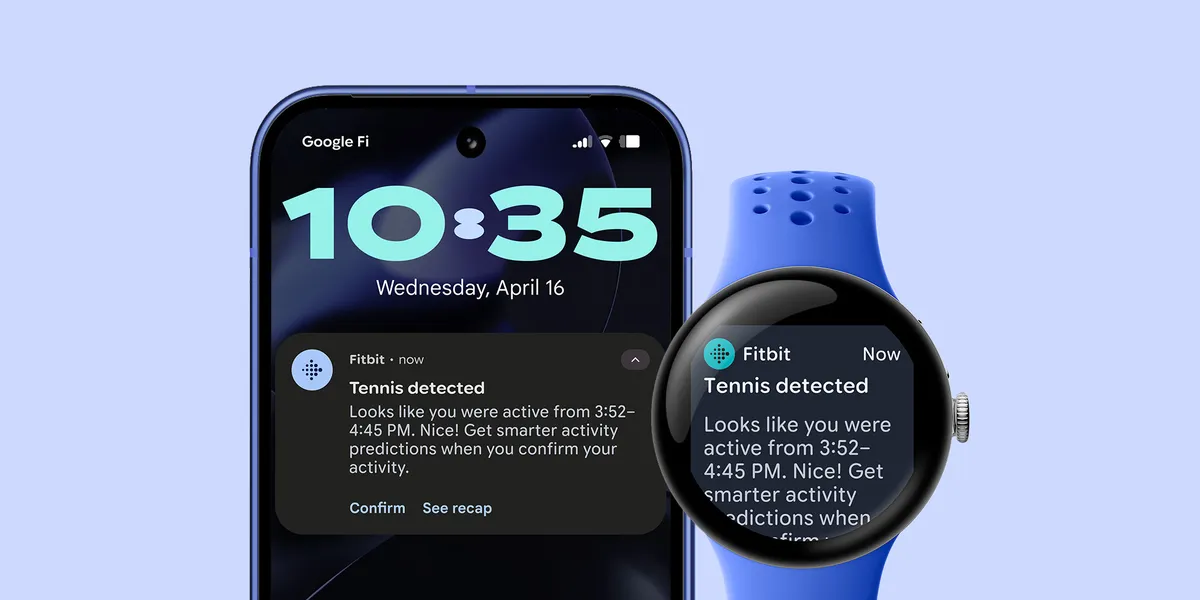
Image Credit: Google — Official Pixel Watch product image
Frequently asked questions about the pixel watch battery drain fix
Is the pixel watch battery drain fix a system update?
No. The fix arrives as app updates through the Play Store on the watch. Do not use Settings, then System, then System updates for this fix. Instead, press the crown, open the Play Store, tap Manage apps, and tap Update all.
Which Pixel Watch models are affected?
Owner reports span Pixel Watch 2 through Pixel Watch 5. Google describes the affected group as a small number of users, but owners across that range have reported a sharp drop in battery life.
How bad was the battery drain?
Many owners reported a fall from a usual day or two of use to roughly 12 to 16 hours. The drop could happen even on mostly idle watches, which is why it was so noticeable.
What if I see no update yet?
That is expected. The rollout is phased and will complete over the next couple of days. Check again later in the Play Store on your watch, under Manage apps, and update all apps when the update appears.
Has Google named the faulty app or the exact cause?
No. Google has not named the faulty app or the fixing version, and it has not explained the exact cause. This article does not invent those details. The confirmed facts are the problem, the fix, and the Play Store steps above.
Sources for this report include 9to5Google on 3 November 2026, GizmoChina on 3 November 2026, and Android Police on 3 November 2026. Unfite will update this guide if Google shares more detail about the app, the version, or the cause.