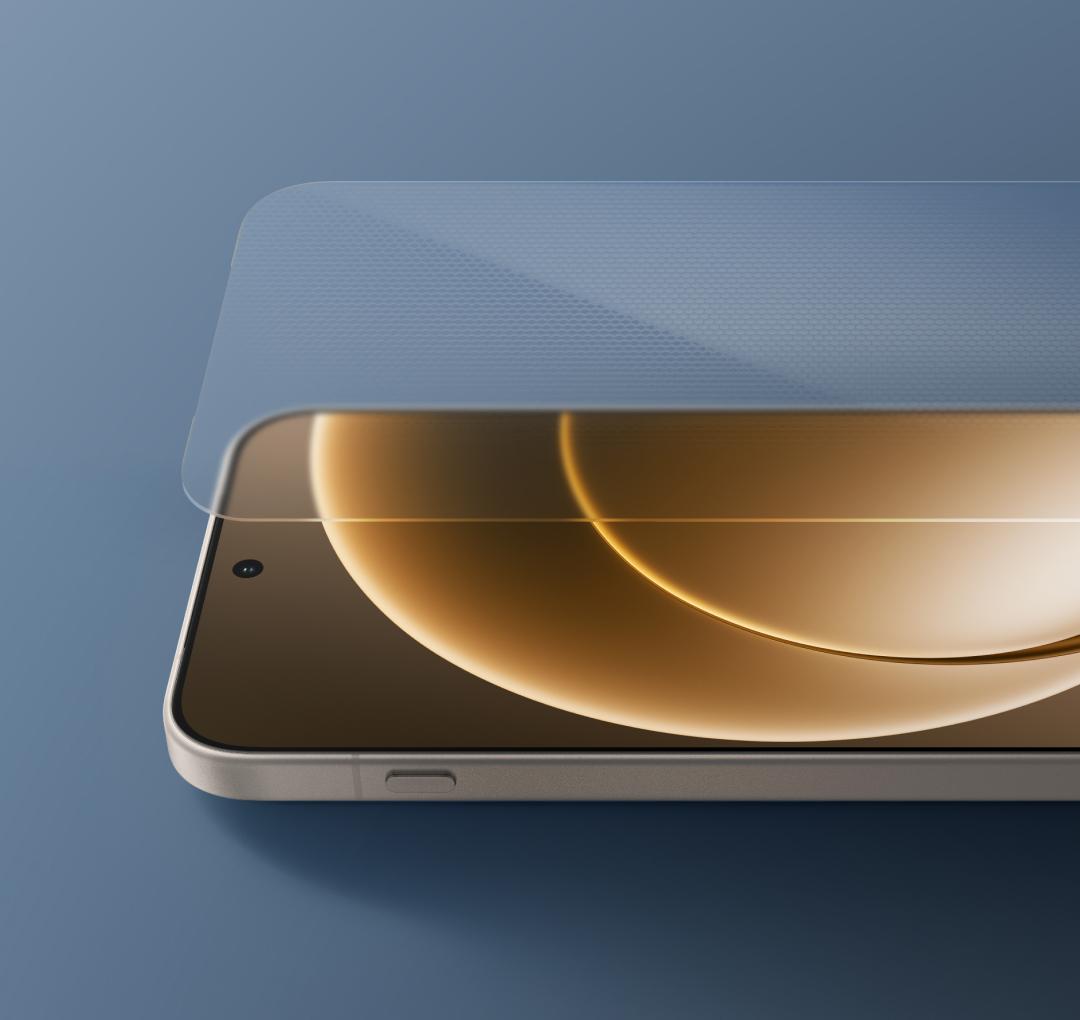
If you own a OnePlus 15 in India, a new software update is on its way to your phone. Unfite brings you the full details of the OnePlus 15 ColorOS 17.0.1.201 update, which OnePlus has started rolling out in India with the November 2026 Android security patch and a set of new features. It is the second ColorOS 17 update for the phone in India, and it is rolling out in phases, so it may take a week or two before it reaches every handset.

The update carries the firmware version CPH2745_17.0.1.201(EX01) and is meant for users in India only for now. OnePlus has not shared a date for other regions yet. Some outlets list the same build as OxygenOS 17.0.1.201; the firmware number is identical, and in India the update ships as ColorOS 17. The first stable ColorOS 17 update for the OnePlus 15 (build 17.0.0.102) began reaching Indian users on 23 October 2026, ahead of the 29 October date OnePlus had announced. This new 17.0.1.201 build sits on top of that Android 17 base and adds the November security patch plus practical changes to Photos, widgets, Calculator, Translate, O+ Connect and the Phone app.
What is new in the OnePlus 15 ColorOS 17.0.1.201 update
OnePlus has shared a full changelog for the update. Here is what changes, in plain words.
A cleaner look for Fluid Cloud
Fluid Cloud cards on the Lock screen and in the notification drawer now get a translucent gradient effect. The cards look lighter and more natural, and the text on them stays easy to read. It is a small visual change, but it is one of the first things you will notice after installing the update.
Photos: more control when you save, easier storage clean-up
The Photos app gets two useful changes. First, when you edit a photo, you can now choose the image quality and resolution before you save it. That gives you more control over the balance between detail and file size, which matters when you share a picture on WhatsApp or keep a high-quality copy for yourself.
Second, Photos now helps you free up storage. After your photos are backed up to the cloud, you can remove the local copies from the phone and keep only the cloud backup. Before you use this, make sure the backup has fully finished and the photo is actually available in your cloud account, or you could lose the only copy.
OSee can now scan WeChat Mini Program codes
OSee, the AI vision feature in ColorOS 17, can now scan WeChat Mini Program codes and open the mini program directly in WeChat. This is mainly useful for users who use WeChat Mini Programs, and it saves a few taps compared with opening the code another way.
New widgets for the Home screen
The update adds new Home screen widgets that you can resize by touching and holding them and dragging the edges:
- “One-tap boost” and “Storage cleaner” widgets in 2×1 and 2×4 sizes
- “Battery usage” widget in 2×1 size
- Contacts widgets in 2×1 and 2×2 sizes
The battery usage widget is available only in the 2×1 size, while the storage cleaner and contacts widgets offer the sizes listed above. Open the Home screen widget picker to see them once the update is installed.
Calculator and Translate get smarter
The Calculator app now shows your calculation history on its home screen, so you can resume an earlier calculation instead of typing the same figures again. Its home screen button layout is also improved, and the conversion page has better-organised categories, so it is easier to find the conversion tool you need.
The Translate app improves word lookups. When you look up a word, you now get more complete details, including parts of speech, phonetic transcriptions, key grammatical points and example sentences. Sentence translations also adapt to the right writing style, so the result sounds more natural.
O+ Connect: phone and tablet on the same PC
O+ Connect now lets you connect your phone and tablet to the same PC at the same time, which makes cross-device work simpler instead of treating each connection as a separate session. There is also a new “Automatically unlock when connected” feature: when your phone is remotely connected to your PC, it can unlock the PC automatically with a saved password. To use it, tap the More icon on the floating ball during a remote connection, tap “Unlock PC”, and turn on “Automatically unlock when connected”.
Announce incoming calls, and a cleaner exit from hidden apps
The Phone app adds an “Announce incoming calls” feature that speaks the caller’s name when a call comes in. To turn it on, open the Phone app, tap the More icon in the top-right corner, then go to Settings, then Incoming call reminders, then Announce incoming calls.
There is also a new switch for hidden apps. Under Settings, then Security and privacy, then Hide Apps, you can turn on “Return to Home screen when exiting”. With it on, the phone takes you back to the Home screen when you exit a hidden app, instead of leaving you inside the hidden apps area.
November 2026 Android security patch
The update integrates the November 2026 Android security patch. Google published its November 2026 Android security bulletin on 2 November 2026, covering 216 fixes across the 2026-11-01 and 2026-11-05 patch levels, including a critical zero-click remote code execution flaw in Android Framework. The OnePlus 15 now gets those fixes through this update, which is the most important reason to install it even if the new features do not interest you.
OnePlus has not stated the download size of this update in its announcement, and the changelog does not mention any change to the Android version. The phone stays on Android 17 with ColorOS 17; this is a maintenance update, not a new Android version.
Who gets the OnePlus 15 ColorOS 17.0.1.201 update, and when
The update is rolling out in India only at the moment. OnePlus is sending it out in phases, and the company says it may take a week or two to reach all eligible users. Availability in other regions could follow later, in the same way the first stable ColorOS 17 update reached India first and other regions after.
If your OnePlus 15 has not shown the update yet, that is normal for a phased rollout. Two identical phones can get the same update days apart. Unfite recommends checking once a day rather than installing firmware from a third-party website just because it carries the same build number; a package meant for another region can cause errors or leave the phone unable to boot.
How to check for the update
- Open Settings on your OnePlus 15.
- Tap Software update.
- Let the phone check for an available release.
- If ColorOS 17.0.1.201 appears, check the version details and follow the on-screen steps to install it.
Keep the phone charged and connected to stable Wi-Fi during the download and installation, and back up important files before any major update.
OnePlus 15 at a glance
The OnePlus 15 is OnePlus’s current flagship in India. It launched in India on 13 November 2025 at Rs 72,999 for the 12GB RAM and 256GB storage variant, and Rs 79,999 for the 16GB RAM and 512GB storage variant. OnePlus India currently lists the 12GB and 256GB model at Rs 85,999, though street prices vary by store and offers.
| Specification | OnePlus 15 |
|---|---|
| Display | 6.78-inch LTPO AMOLED, 165Hz, 1272 x 2772 pixels, up to 3600 nits peak brightness |
| Processor | Qualcomm Snapdragon 8 Elite Gen 5 (3nm) |
| RAM and storage | 12GB + 256GB, 16GB + 512GB (India) |
| Rear cameras | Triple 50MP: 50MP main with OIS, 50MP periscope telephoto with 3.5x optical zoom, 50MP ultra-wide |
| Front camera | 32MP |
| Video | 4K 120fps Dolby Vision |
| Battery | 7,300mAh silicon-carbon |
| Charging | 120W wired, 50W wireless, 10W reverse wireless |
| Operating system | Android 16 with OxygenOS 16 at launch; now Android 17 with ColorOS 17 in India |
| Durability | IP68 and IP69, Gorilla Glass Victus 2 |
| Colours | Sand Storm, Infinite Black, Ultra Violet |
| India model number | CPH2745 |
The phone was the first OnePlus device to receive the stable ColorOS 17 update, and it is eligible for four major Android updates. OnePlus confirmed in July 2026 that OxygenOS is being retired and eligible devices will move to ColorOS, and the company says owners who switch can roll back to OxygenOS 16.
What is good, and what is missing
The good news is that this update is genuinely useful. The November security patch fixes serious flaws, including a zero-click bug that needs no tap from the user. The Photos changes solve two real problems: saving an edited photo at the quality you want, and freeing space once a backup is done. The new widgets and the Calculator history are small but practical, and the O+ Connect change helps people who use a OnePlus phone and tablet together.
What is missing is also worth stating plainly. This is not a new Android version, so do not expect new headline features. There is no date for the update outside India, and OnePlus has not said how big the download is. The WeChat Mini Program feature will matter to very few Indian users. And like the first ColorOS 17 rollout, this update arrives in batches, so some owners will wait days before it appears.
What to do next
If you own a OnePlus 15 in India, check Settings and then Software update over the next few days. Install the update when it appears, and check the new Photos and widget options after it finishes. Unfite will update this post if OnePlus shares a wider rollout date or a new build for the OnePlus 15.
The same ColorOS 17 wave is also reaching other OnePlus phones in India this month. The OnePlus 12 started getting its stable ColorOS 17 update in India on 12 November, and more models are scheduled through the end of November.
Frequently asked questions
What is the OnePlus 15 ColorOS 17.0.1.201 update?
It is the second ColorOS 17 update for the OnePlus 15 in India, with firmware version CPH2745_17.0.1.201(EX01). It brings the November 2026 Android security patch plus new features for Photos, widgets, Calculator, Translate, O+ Connect and the Phone app.
Is the OnePlus 15 ColorOS 17.0.1.201 update available in India?
Yes. OnePlus is rolling it out in India only for now, in phases. It may take a week or two to reach all eligible OnePlus 15 phones in the country. Other regions may follow later, but OnePlus has not announced dates for them.
Does this update change the Android version on the OnePlus 15?
No. The phone stays on Android 17 with ColorOS 17. This is a maintenance update with the November 2026 security patch and feature improvements, not a new Android version.
How do I check for the OnePlus 15 ColorOS 17.0.1.201 update?
Open Settings, tap Software update, and let the phone check. If the update appears, follow the on-screen steps. Keep the phone charged and on stable Wi-Fi during the download.
What is new in the OnePlus 15 ColorOS 17.0.1.201 update?
The main changes are a translucent gradient effect for Fluid Cloud cards, photo quality and resolution controls when saving edits, a cloud-backup storage clean-up option, new Home screen widgets, Calculator history, better Translate word lookups, O+ Connect support for a phone and tablet on the same PC, an “Announce incoming calls” option, and a “Return to Home screen when exiting” switch for hidden apps.
That is everything Unfite could verify about the OnePlus 15 ColorOS 17.0.1.201 update today. If you have received it already, the new Photos controls and widgets are the first things worth trying after the November patch is installed.
Image Credit: OnePlus — Official product image