Unfite brings you the full details of Google’s newest Pixel test update. Google released Android 17 QPR3 Beta 3 for supported Pixel phones on 29 October 2026, and fresh reports on 2 November 2026 are now highlighting what actually changed in it. This is not a stable update for everyone. It is a beta build for people enrolled in Google’s Android Beta programme, and it is mainly about fixing problems and bringing back a few useful features that had disappeared from earlier test builds.
What is a QPR beta, in simple words
Android 17 was first released on 16 June 2026. After a big Android release, Google issues smaller quarterly updates called QPRs, or Quarterly Platform Releases. On Pixel phones, these updates usually arrive as Feature Drops. Android 17 QPR3 Beta 3 is the third test version of the third quarterly update for Android 17.
Beta 1 arrived on 2 October 2026, Beta 2 followed on 20 October 2026, and Beta 3 came nine days later. That short gap points to final polishing, not a big new-feature release. Google is now fixing problems and smoothing out rough edges.
The headline change: App Lock is back
The biggest talking point in Android 17 QPR3 Beta 3 is the return of App Lock. It had appeared in earlier QPR test builds, but was then removed for more polish and testing. Testers have now found it again in Beta 3, suggesting it is closer to being ready.
App Lock locks individual apps behind fingerprint, face unlock or PIN, with no separate per-app password. Locked apps hide notification content, their widgets disappear, shortcuts are removed, and content is hidden in Recents after use. That helps if you hand your phone to someone else, or want extra privacy for banking, messaging or photo apps.
Be honest about the source, though: Google’s own Beta 3 release notes list bug fixes, not new features. App Lock and the interface changes below were spotted by testers and publications, so Google could change or remove them before stable.
Three more useful changes testers found
First, bubbles can now be started from the Recents menu: swipe up, tap the app name, and choose Bubble. This is handy with third-party launchers, where bubble controls may be harder to reach.
Second, there is a new Camera tile in Quick Settings. It helps accessibility, because some people struggle with the power-button double-tap or a lock-screen shortcut. Google often refreshes its own apps alongside system updates, as seen in the new icons in Google Messages and Phone contacts.
Third, there is a screenshot button in the power menu, capturing the full screen including status and navigation bars. Lock-screen blur also partly returns, improving readability.
26 bug fixes: the problems that should go away
Google’s official release notes list 26 fixes in Android 17 QPR3 Beta 3. See Google’s official release notes for Android 17 QPR3 for the full list. Fixed problems include a foldable inner screen staying black after unfolding, the display randomly turning off and on, home wallpaper wrongly appearing on the lock screen, and lock-screen and startup crashes.
Other fixes cover WPA-Enterprise PEAP Wi-Fi failures on office and campus networks, poor webcam video quality, and Force Stop failing. The list also includes X/Twitter crashing on thread mentions, a Bluetooth scan crash, bubbles stuck miniaturised, blank white icons in dark mode, and greyed grouped notifications.
Build details at a glance
| Release date | 29 October 2026 |
| Build, Pixel 11 series | DP11.261016.004 |
| Build, other supported Pixels | DP11.261016.003 |
| Security patch | 5 October 2026 |
| Google Play services | 26.36.33 |
| Fixes | 26 |
| Previous beta | Beta 2, 20 October 2026 |
Which Pixel phones can install it
Only phones enrolled in the Android Beta programme can install it: Pixel 11, 11 Pro, 11 Pro XL and 11 Pro Fold; Pixel 10, 10 Pro, 10 Pro XL, 10 Pro Fold and 10a; and Pixel 9, 9 Pro, 9 Pro XL, 9 Pro Fold and 9a.
Also eligible are Pixel 8, 8 Pro and 8a; Pixel 7, 7 Pro and 7a; and Pixel 6a only. The Pixel Tablet and original Pixel Fold are eligible too. Pixel 6 and 6 Pro are NOT eligible, having been dropped from the QPR3 beta. Enrolled phones get it over the air.
Should you install it? Pros and cons
Pros: early App Lock, the camera tile, the bubble shortcut, and display, Wi-Fi and crash fixes, plus helping to test the update. Cons: beta risk, features that may change or disappear, and leaving beta to return to stable normally wipes the phone, so back up first.
For those reasons, Unfite recommends most readers wait for stable, unless they enjoy testing and accept the risks.
When will the stable version arrive?
Google has NOT announced a stable QPR3 date. Outlets expect QPR2 stable around the end of 2026 and QPR3 in 2027, with some reports around March 2027. Label these clearly as outlet expectations, NOT Google dates.
How to check for the update
Go to Settings, then System, then Software updates. Use Wi-Fi, and keep your phone charged. One report put the download at about 3.92 GB on Pixel 11 Pro XL.
FAQ
Is it for all Android phones? No, Pixel beta only, for enrolled phones.
What is the biggest new feature? App Lock, locking individual apps behind fingerprint, face unlock or PIN.
Is there a camera shortcut? Yes, a Camera tile in Quick Settings, plus a screenshot button in the power menu and a Recents bubble option.
Is it safe on my main phone? There is beta risk. Back up first, leaving beta normally wipes the device, and most readers should wait.
When is the stable date? No Google date yet; outlet expectations point to 2027, some around March 2027.
Final word
Android 17 QPR3 Beta 3 is a quiet but useful update: App Lock is back, handy shortcuts have appeared, and 26 bugs should be fixed. Beta owners should check for the update; others need not rush. Unfite will track QPR updates and report when the stable rollout is confirmed, so stay with Unfite for the next Pixel update.
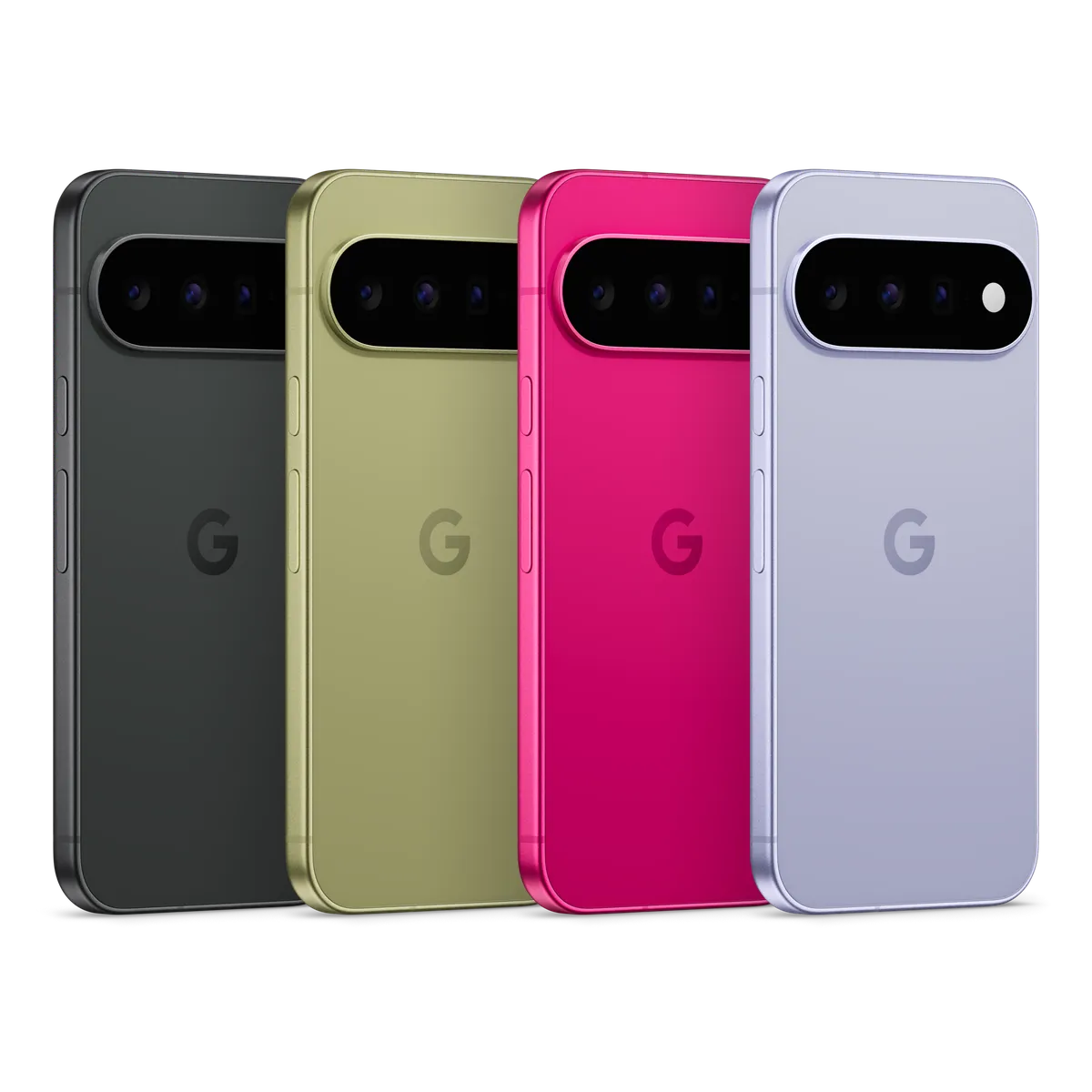
Image Credit: Google — Official Pixel product image
2 thoughts on “Android 17 QPR3 Beta 3 Brings Back App Lock: What Is New for Pixel Phones”