Google has released Android 17 QPR3 Beta 4 for Pixel phones, and Unfite brings you the full details of what it fixes, which phones can install it, and what is still missing. The update arrived on 12 November 2026, only days after Google shipped the stable Android 17 QPR2 update as the November Pixel Drop. Unlike QPR2, this is a test build, not a finished release — but it fixes four real problems that Pixel owners have been reporting, including the lag and random restarts that made some phones hard to use.
QPR stands for Quarterly Platform Release. These are the regular quarterly updates Google sends to Pixel phones between the big yearly Android releases. QPR3 is the third quarterly update for Android 17, and its stable version is expected in 2027. Beta 4 is the fourth test version of it. Google’s own release notes list only four fixes this time, which makes it a smaller update than Beta 3 — but the first fix on the list is a big one.
The lag and restart fix
The headline fix in Android 17 QPR3 Beta 4 targets memory leaks in system_server, the core Android process that keeps the phone running. According to Google’s official release notes, these leaks caused severe UI lag, Pixel Launcher crashes, and unexpected device restarts. Google links the fix to five separate issue reports, which tells you this was not a rare edge case — it was a problem many beta testers had run into.
If your Pixel has felt slow, if the home screen has frozen or crashed, or if the phone has restarted on its own while you were using it, this is the build that is meant to fix it. A memory leak means a process slowly uses more and more memory without giving it back, so the phone gets slower the longer it runs. Fixing the leak in system_server should make the phone feel smooth again, and it should stop the launcher from crashing back to the home screen.
This is also why Beta 4 matters even though it is a small update. Beta 3, released on 29 October, fixed 26 issues, but the system_server leak was still there. Google has now made it the first item on the Beta 4 list, which suggests it was the most urgent problem left in the beta.
The other three fixes in Android 17 QPR3 Beta 4
The remaining fixes in Beta 4 are smaller, but each one solves a real annoyance:
Clipped on-screen keyboard. The on-screen keyboard could appear visually clipped or partly cut off while typing. If you have ever seen the top or bottom of your keyboard cut away mid-sentence, that is the bug Google is fixing here.
Bluetooth battery drain. Excessive Bluetooth background activity could use an abnormal amount of power and drain the battery fast. This is the kind of bug that is easy to miss — the phone just dies sooner than it should — and hard to trace back to Bluetooth without looking at the battery stats. Beta 4 fixes the background activity that caused it.
A developer-facing error message. Conscrypt, Android’s security library, threw an unclear error message when older TLSv1 or TLSv1.1 connection protocols were rejected for apps targeting API level 36. This one matters mostly to developers, not to everyday users, but a clearer error message makes it easier for app makers to find and fix connection problems in their apps.
A missing Bluetooth setting comes back
Beyond the four official fixes, testers have spotted one welcome return in Beta 4. The “disable absolute volume” Bluetooth setting is back. Google’s Mishaal Rahman pointed it out after the release, and Android Authority reported it the same day. The setting lives at Settings > System > Developer options > Bluetooth > Disable absolute volume, and it lets you turn off the feature that links your phone’s volume and your Bluetooth headphones’ volume together.
Some Bluetooth headphones sound too loud or too quiet when absolute volume is on, and the old setting gave people a way out. Google had removed it, and users asked for it back — and in Beta 4, it is back. Rahman says it should reach everyone else in the stable Android 17 QPR3 release, so you do not need to install the beta to get it eventually.
It is worth being clear here: this setting is not listed in Google’s official release notes. It was spotted by testers and publications after the build went out, so it is real, but it is not something Google itself announced in the changelog.
Which Pixel phones can install it
Android 17 QPR3 Beta 4 is available for the Pixel 6a and every newer Pixel phone, plus the Pixel Tablet and the Android Emulator. The full list from Google’s download page is: Pixel 6a, Pixel 7, Pixel 7 Pro, Pixel 7a, Pixel Tablet, Pixel Fold, Pixel 8, Pixel 8 Pro, Pixel 8a, Pixel 9, Pixel 9 Pro, Pixel 9 Pro XL, Pixel 9 Pro Fold, Pixel 9a, Pixel 10, Pixel 10 Pro, Pixel 10 Pro XL, Pixel 10 Pro Fold, Pixel 10a, Pixel 11, Pixel 11 Pro, Pixel 11 Pro XL and Pixel 11 Pro Fold.
The Pixel 6 and Pixel 6 Pro are not part of this beta. They have reached the end of their update support and will not get this build. The build number is DP11.261030.003, and the security patch level stays at 5 October 2026 — the same as Beta 3. That means Beta 4 does not include the November security patch. Google Play services moves up to version 26.41.31, from 26.36.33 in Beta 3.
| Detail | Android 17 QPR3 Beta 4 |
| Release date | 12 November 2026 |
| Build number | DP11.261030.003 |
| Security patch level | 5 October 2026 |
| Google Play services | 26.41.31 |
| Eligible devices | Pixel 6a and newer, Pixel Tablet, Pixel Fold |
| Not included | Pixel 6 and Pixel 6 Pro (end of support) |
| API changes | None |
How to get it
You can join through Google’s Android Beta Program to get the update as an over-the-air download on your Pixel. If you are already enrolled in the QPR3 beta, Beta 4 should arrive as a normal update. Google also publishes factory images and system images for people who want to install it manually, and for app developers who need to test against it.
Before you install it, remember what a beta is. This is test software, and it can still have bugs Google has not found yet. If you install a beta and later leave the beta programme to go back to the stable version, the phone is normally wiped in the process — your data is erased. So back up your phone first, and do not install a beta on the only phone you depend on every day.
If you do run into a problem on Beta 4, Google asks testers to report it through the Android Beta Feedback app on the Pixel, which you can open from the app drawer or from Quick Settings, or through the Android Beta community on Reddit.
What Beta 4 is not
It helps to keep expectations straight. Beta 4 is a bug-fix release, not a feature release. Google’s notes list no new features, and the company says QPR3 does not include app-impacting API changes. If you were hoping for a new trick or a redesigned screen, that is not what this build is for. Its job is to make the beta stable enough for the finished QPR3 release.
It is also not the November security update. The security patch level is still 5 October 2026, so the November patch — the one that fixes the critical Android flaws Google listed in its November bulletin — is a separate update. The stable Android 17 QPR2 update that rolled out as the November Pixel Drop is the one that carries the newer fixes for most Pixel owners.
How Beta 4 fits the QPR3 timeline
QPR3 has moved quickly. Beta 1 arrived on 2 October, Beta 2 on 20 October, Beta 3 on 29 October, and now Beta 4 on 12 November. Each build has fixed a round of reported problems, and the list has got shorter each time — 26 issues in Beta 3, four in Beta 4. That is the normal shape of a beta nearing its end: the big fixes land first, and the later builds polish what is left.
Google has not announced a date for the stable QPR3 release. Earlier reports expect it in 2027, with some pointing to around March 2027, but Google itself has not confirmed that, so treat it as an expectation, not a date. What is certain is that Beta 4 is the latest step on the way there, and the return of the Bluetooth absolute volume setting shows that Google is still listening to what testers ask for. Unfite will keep following the QPR3 beta and will update you when the stable release arrives.
For a fuller picture of where this beta started, see our earlier post on Android 17 QPR3 Beta 3, which brought back App Lock and added the camera Quick Settings tile. And if you want the official word, Google’s full changelog is on the Android Developers QPR3 release notes page.
Pros and cons
Pros
- Fixes the system_server memory leak behind severe lag, launcher crashes and random restarts
- Fixes the clipped on-screen keyboard and the Bluetooth battery drain
- Brings back the “disable absolute volume” Bluetooth setting that users asked for
- Available for a wide range of Pixels, from the Pixel 6a to the Pixel 11 Pro Fold
- Small, focused update — a short, clear list of fixes
Cons
- Still a beta — it can have bugs, and leaving the beta to return to stable normally wipes the phone
- Security patch level is still 5 October 2026, so it does not include the November security patch
- No new features and no API changes in this build
- Pixel 6 and Pixel 6 Pro are left out entirely
FAQ
1. What is Android 17 QPR3 Beta 4?
It is the fourth test build of Android 17’s third Quarterly Platform Release, released by Google on 12 November 2026 with build number DP11.261030.003. It is a bug-fix update for Pixel phones, not a finished stable release.
2. Which phones can install Android 17 QPR3 Beta 4?
The Pixel 6a and every newer Pixel, including the Pixel 7, 8, 9, 10 and 11 series, the Pixel Tablet and the Pixel Fold. The Pixel 6 and Pixel 6 Pro are excluded because they have reached end of support.
3. What does Beta 4 fix?
Four things: memory leaks in system_server that caused severe lag, Pixel Launcher crashes and unexpected restarts; an unclear error message for old TLS protocols; a clipped on-screen keyboard; and excessive Bluetooth background activity that drained the battery. Testers also found the “disable absolute volume” Bluetooth setting has returned.
4. Does Beta 4 include the November security patch?
No. The security patch level in Beta 4 is still 5 October 2026, the same as Beta 3. The November security fixes come through the separate stable update, not this beta.
5. Should I install Android 17 QPR3 Beta 4?
Only if you are comfortable with test software. Back up your phone first, and remember that leaving the beta programme to go back to the stable version normally wipes the phone. If you need your phone to work without surprises, wait for the stable QPR3 release, expected in 2027.
Stay with Unfite for the latest Android 17 news, Pixel updates and beta coverage.
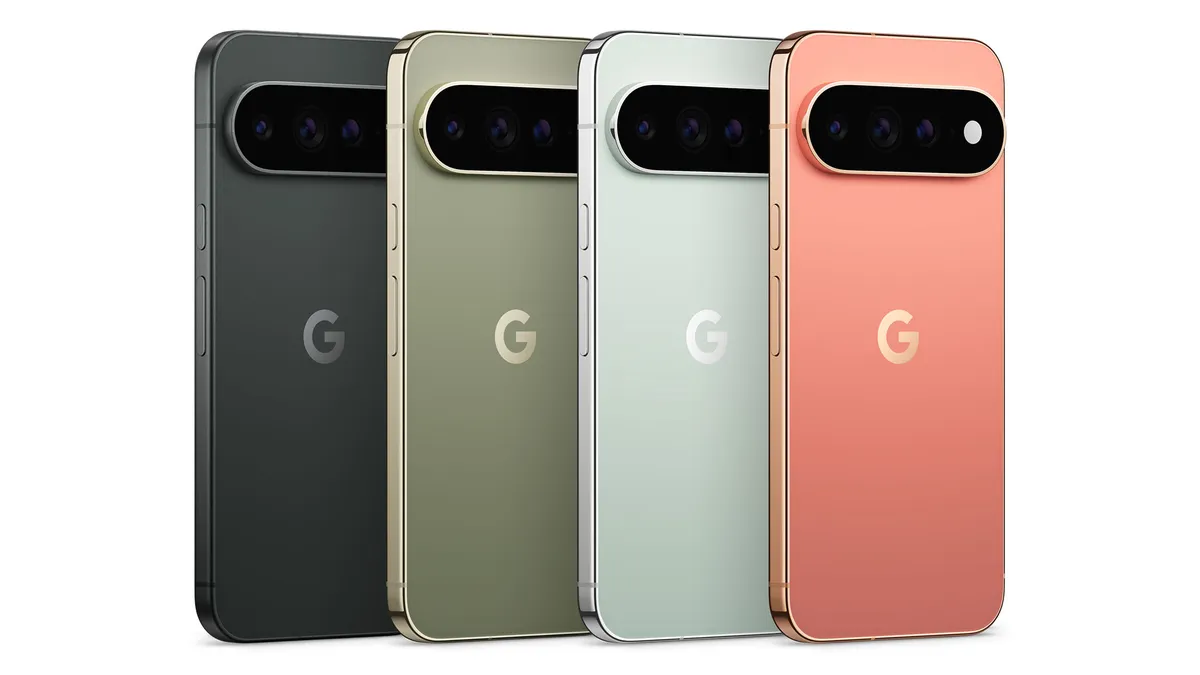
Image Credit: Google — Official Pixel 11 Pro product image via the Google Blog