Google has finally started rolling out the Pixel November 2026 update. After a week of waiting, the November 2026 Pixel Update Bulletin is live, and the update is reaching supported Pixel phones from today, 10 November 2026. Unfite brings you the full details — which phones get it, the build numbers, the security fixes, and how to check for it on your phone.
The Pixel November 2026 update is the one Pixel owners have been waiting for since the start of the month. Google published the November Android Security Bulletin on 2 November, but the Pixel-specific bulletin did not appear on its usual first-Tuesday slot. The first Tuesday of November was 3 November, and it came and went with no update. Now, a week later, the wait is over: the Pixel Update Bulletin index lists November 2026 as its newest entry, published 10 November 2026, with security patch level 2026-11-05.
What is in the Pixel November 2026 update
The headline fact is the security patch level. Every supported Pixel device will receive an update to the 2026-11-05 patch level, and Google says devices at that level are protected against every issue in this bulletin and every issue in the November 2026 Android Security Bulletin.
The November Android bulletin is a big one. It fixes more than 200 vulnerabilities across two patch levels — 2026-11-01 and 2026-11-05 — including 23 rated critical. The most serious is CVE-2026-58868, a critical remote code execution flaw in the Android Framework that needs no user interaction. The 2026-11-01 level covers the Framework, System and Android runtime fixes, while the 2026-11-05 level adds kernel and chipset-vendor fixes from Arm, MediaTek, Qualcomm, Imagination Technologies and Unisoc. In plain words: a phone showing only the 2026-11-01 patch is not fully covered. You want 2026-11-05.
The Pixel-specific bulletin adds its own long list of Pixel-only fixes, grouped under Framework, Kernel, Kernel components, Pixel and System. Many of the Pixel entries are critical privilege-escalation and remote-code-execution flaws in components such as the bootloader, Trusty, KeyMint, the modem and the PowerVR GPU. Google has said none of these were reported as exploited in the wild when the bulletin was published, but the size of the list is exactly why this update matters — and why the one-week delay had Pixel owners watching the bulletin page every day. You can read the full November 2026 Pixel Update Bulletin on Google’s site.
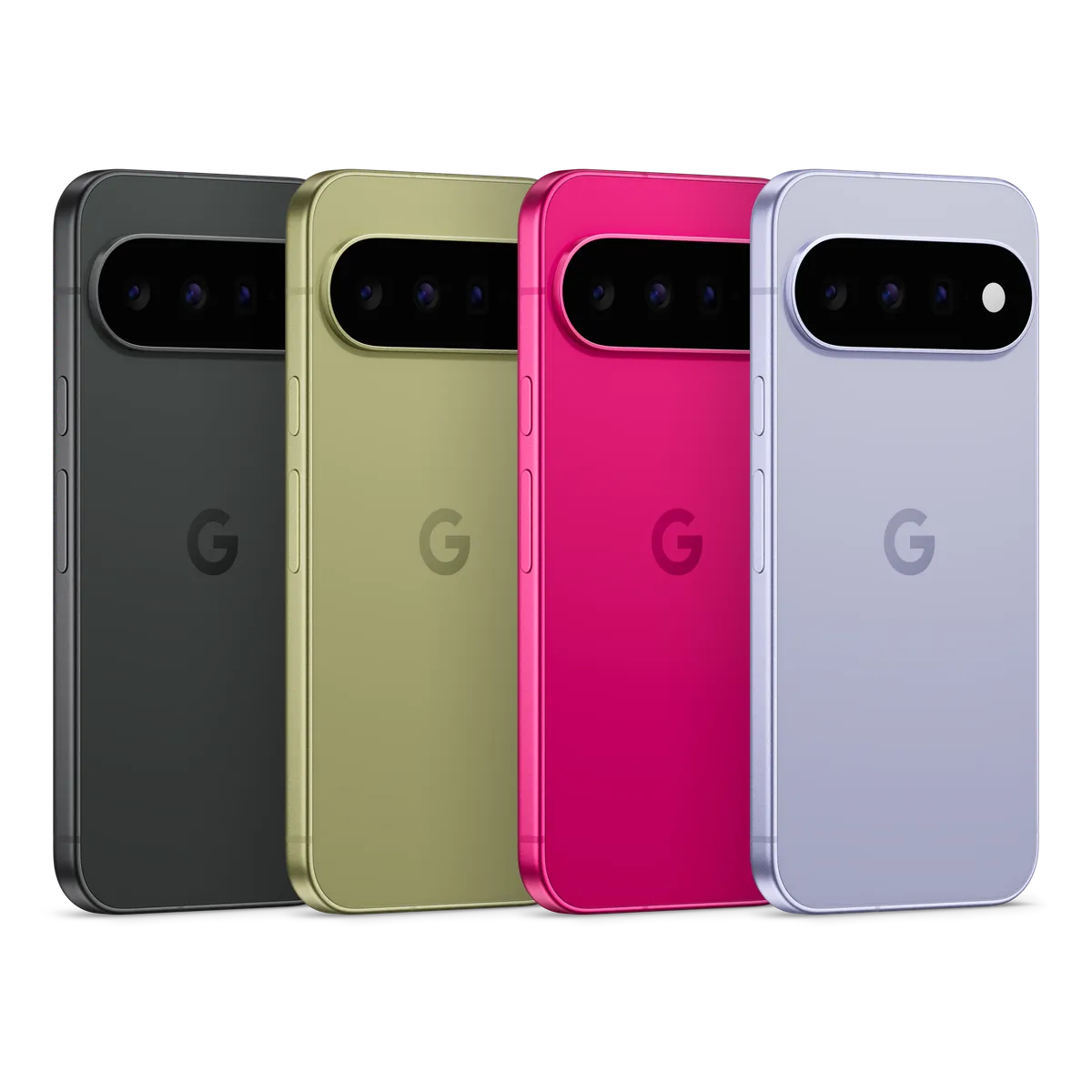
Build numbers: what to look for
Google’s official Pixel community post lists the software versions for every eligible device. There is one main build for almost every phone, with a separate build for the Pixel 11 series.
| Device | Global build |
|---|---|
| Pixel 6a, Pixel 7, Pixel 7 Pro, Pixel 7a, Pixel Fold, Pixel Tablet | CP4A.261105.040.A1 |
| Pixel 8, Pixel 8 Pro, Pixel 8a | CP4A.261105.040.A1 |
| Pixel 9, Pixel 9 Pro, Pixel 9 Pro XL, Pixel 9 Pro Fold, Pixel 9a | CP4A.261105.040.A1 |
| Pixel 10, Pixel 10 Pro, Pixel 10 Pro XL, Pixel 10 Pro Fold, Pixel 10a | CP4A.261105.040.A1 |
| Pixel 11, Pixel 11 Pro, Pixel 11 Pro XL, Pixel 11 Pro Fold | CP4A.261105.040.D1 |
| Pixel 11 series (Canada) | CP4A.261105.040.B2 |
The build number CP4A.261105.040.A1 is the same one that build trackers had listed as a final release candidate before the update shipped, which is a useful cross-check that the rollout is the real thing. After installing, you can confirm your build in Settings > About phone > Build number, and your patch level in Settings > About phone > Android version, under “Android security update”.
Which Pixel phones get the November 2026 update
The update covers a long list of devices — every supported Pixel from the Pixel 6a onwards:
- Pixel 6a
- Pixel 7, Pixel 7 Pro, Pixel 7a
- Pixel Fold and Pixel Tablet
- Pixel 8, Pixel 8 Pro, Pixel 8a
- Pixel 9, Pixel 9 Pro, Pixel 9 Pro XL, Pixel 9 Pro Fold, Pixel 9a
- Pixel 10, Pixel 10 Pro, Pixel 10 Pro XL, Pixel 10 Pro Fold, Pixel 10a
- Pixel 11, Pixel 11 Pro, Pixel 11 Pro XL, Pixel 11 Pro Fold
Two phones are missing, and that is not a mistake. The Pixel 6 and Pixel 6 Pro do not get this update. Their five-year support window ended with the October 2026 patch, so October was their last monthly update. If you still use a Pixel 6 or Pixel 6 Pro, Google Play system updates may still arrive for a while, but they do not fix the kernel, the bootloader or the first-generation Tensor chip’s modem — so this is a good time to plan an upgrade.
Bug fixes in the November update
Beyond security patches, Google’s community post lists a set of functional fixes. The full list is long, but these are the ones Pixel owners are most likely to notice:
- Keyboard: a fix for the virtual keyboard occasionally not appearing when you tap a search field.
- Audio: a fix for media volume unexpectedly jumping when you trigger a voice command, and a fix for audio noise or distortion in ringtones during some VoIP calls (Pixel 6a, 7 series, Fold and Tablet).
- Charging: a fix for the charging indicator showing even when no charger is connected.
- Camera (Pixel 11 only): a fix for photos occasionally not saving properly.
- Battery (Pixel 11 only): a fix for unexpected background battery drain linked to sensor service management.
- Performance: a fix for occasional system stutter and animation smoothness while scrolling, plus general improvements for device restart and startup times (Pixel 11 only).
- User interface: fixes for app thumbnails getting stuck in the Overview screen, notification content being hard to read with some theme colours, the notification shade not expanding on swipe, the Wallpaper & style app closing when applying lockscreen clock styles, and Quick Switch failing while Circle to Search is active.
- Connectivity and fingerprint: general stability improvements for Bluetooth, Adaptive Connectivity Services, network connection stability, call performance, fingerprint recognition and unlock screen transitions.
Most fixes apply to all supported Pixel devices. A few are limited to the Pixel 11 series, and one audio fix is limited to the Pixel 6a, Pixel 7 series, Pixel Fold and Pixel Tablet. Google notes that some fixes may also be carrier or region specific.
Is this Android 17 QPR2?
This is the question everyone is asking, and the honest answer is that Google has not said so. Before the update shipped, Android Authority reported a theory that Google might fold the November fixes into Android 17 QPR2 — the quarterly release normally expected in December — and ship it early. The evidence was circumstantial: November fixes tagged “17-qpr2-next” in Google’s vulnerability database, and release-candidate builds with November dates.
Now that the update is here, Google’s bulletin and community post describe it simply as the monthly software update for November 2026, with no mention of QPR2 and no new features listed beyond bug fixes. That does not prove it is or is not QPR2 — only that Google has not confirmed it. Unfite will update this story if Google confirms the QPR2 question or if a Pixel Drop follows. For now, treat it as the November security and stability update, and install it.
How to install the Pixel November 2026 update
The rollout started today, 10 November 2026, and Google says it will continue over the next week in phases, depending on carrier and device. You will get a notification when the update is ready for your phone. Google’s own note says it generally takes about a week and a half for an over-the-air update to reach every device, so do not worry if your phone does not offer it on day one.
To check manually, go to Settings > System > Software updates (or Settings > Security & privacy > System & updates) and tap Check for update. If the update is available, download it over Wi-Fi, keep the phone charged above 50 percent, and let it restart. After the restart, check Settings > About phone > Android version — the “Android security update” line should read 5 November 2026, and the build number should match the table above.
If you are on the Android 17 QPR3 beta, note that this is a stable-channel update. Beta users normally get their fixes through the beta channel instead — our earlier post on the Android 17 QPR3 Beta 3 release explains how the beta track works and what App Lock’s return means for Pixel phones.
The good news and the not-so-good news
The good news is straightforward. The update is finally here, it covers the full 2026-11-05 patch level, it fixes a critical no-click Framework flaw, and it reaches every supported Pixel from the 6a to the 11 series with a single build for most models. The Pixel 11 fixes for photos not saving and sensor-related battery drain are welcome too.
The not-so-good news is the delay itself. Pixel updates have landed on the first Tuesday of the month for most of 2026 — February 3, April 7, May 5, July 7, August 4 and October 6 — and November broke that pattern by a full week, with no explanation from Google. Pixel 6 and 6 Pro owners are also now out of monthly updates entirely. And as with every phased rollout, some owners will wait days before the update appears, even though the fixes are already public.
Even so, this is the update Pixel owners should install as soon as it appears. A critical remote code execution flaw with no user interaction needed is not something to leave unpatched, and the 2026-11-05 level is the one that covers the kernel and chipset fixes too.
Frequently asked questions
When did the Pixel November 2026 update start rolling out?
Google started the rollout on 10 November 2026, the same day it published the November 2026 Pixel Update Bulletin. The rollout continues in phases over the next week, depending on carrier and device.
What is the security patch level of the November 2026 Pixel update?
2026-11-05. All supported Pixel devices receive an update to this patch level, which covers every issue in the November 2026 Pixel Update Bulletin and the November 2026 Android Security Bulletin.
Which Pixel phones get the November 2026 update?
Pixel 6a, Pixel 7 series, Pixel Fold, Pixel Tablet, Pixel 8 series, Pixel 9 series, Pixel 10 series and Pixel 11 series. The Pixel 6 and Pixel 6 Pro do not get it — their support ended with the October 2026 patch.
What is the build number of the November 2026 Pixel update?
CP4A.261105.040.A1 for most devices worldwide. The Pixel 11 series uses CP4A.261105.040.D1 globally and CP4A.261105.040.B2 in Canada.
How do I check if my Pixel has the November update?
Go to Settings > About phone > Android version and look at “Android security update”. It should read 5 November 2026. You can also check Settings > System > Software updates for the update itself.
Image Credit: Google — Official Pixel 11 product image via the Google Blog